Getting started
How InnateGlyph works
One chart, read four ways. Here is where everything is, in about a minute.
The menu
Every screen is in the menu
On a phone it sits at the top left of every screen. On a computer it runs down the left side.
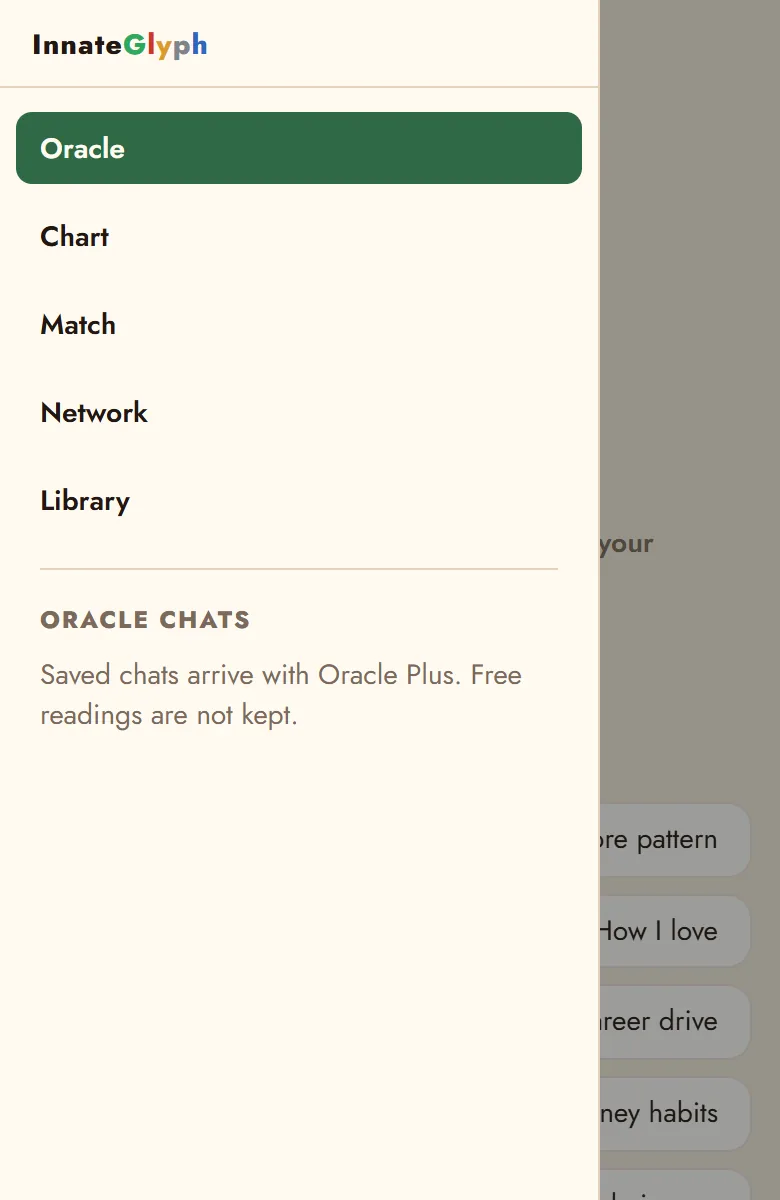
Oracle
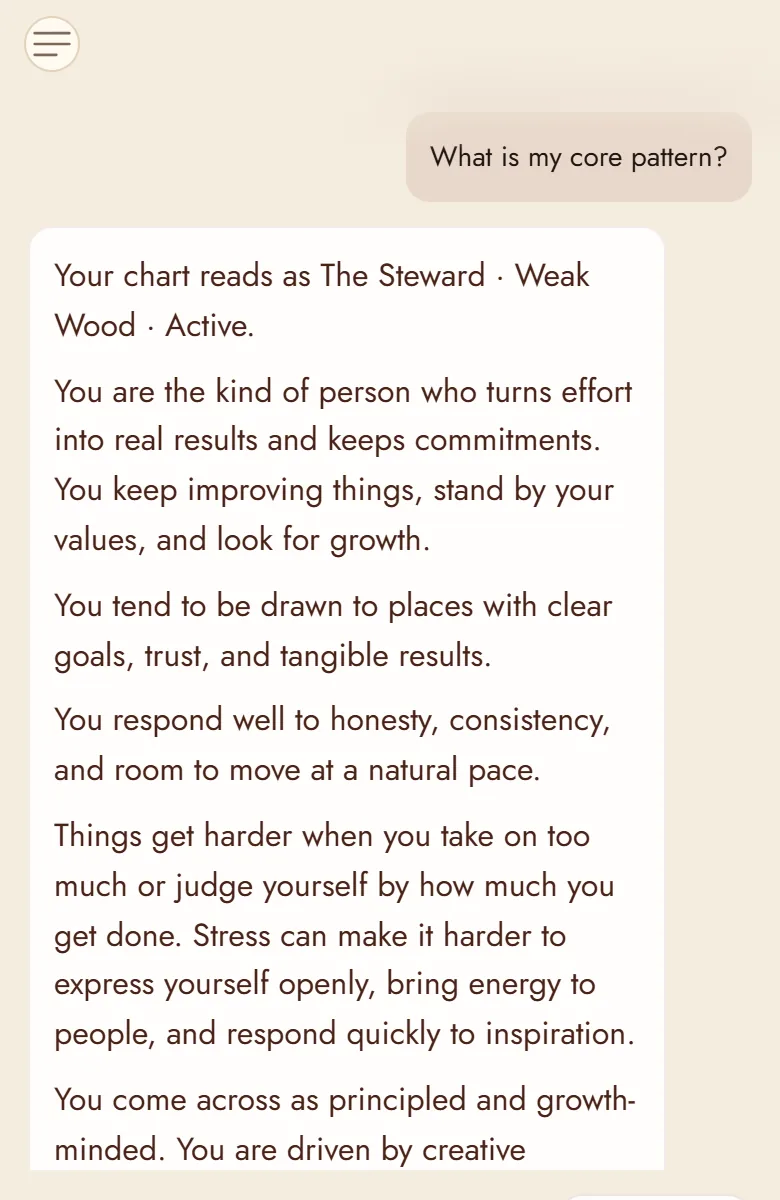
Ask about your chart
Tap a question and the Oracle reads the answer from your chart: love, work, money, today, this year.
Chart
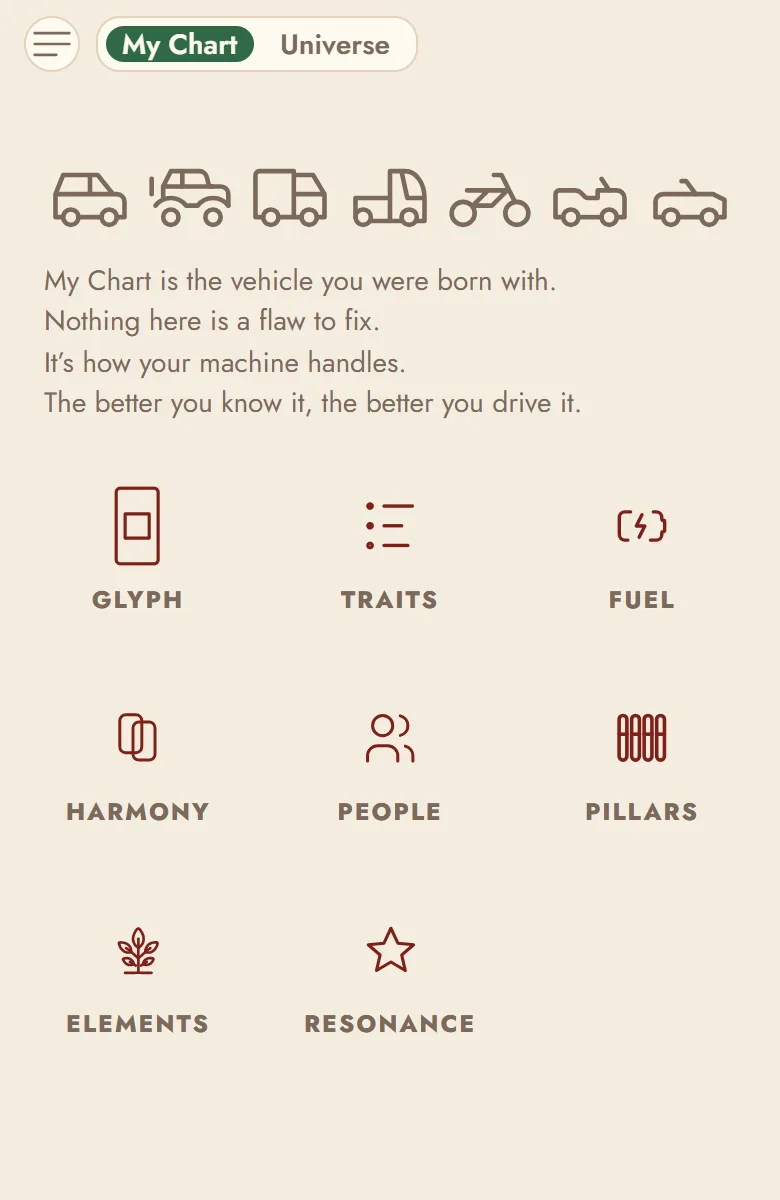
Who you are, and what is coming
My Chart holds your glyph, your traits and your elements. Switch to Universe at the top for your day, your month, your year and your decade.
Match
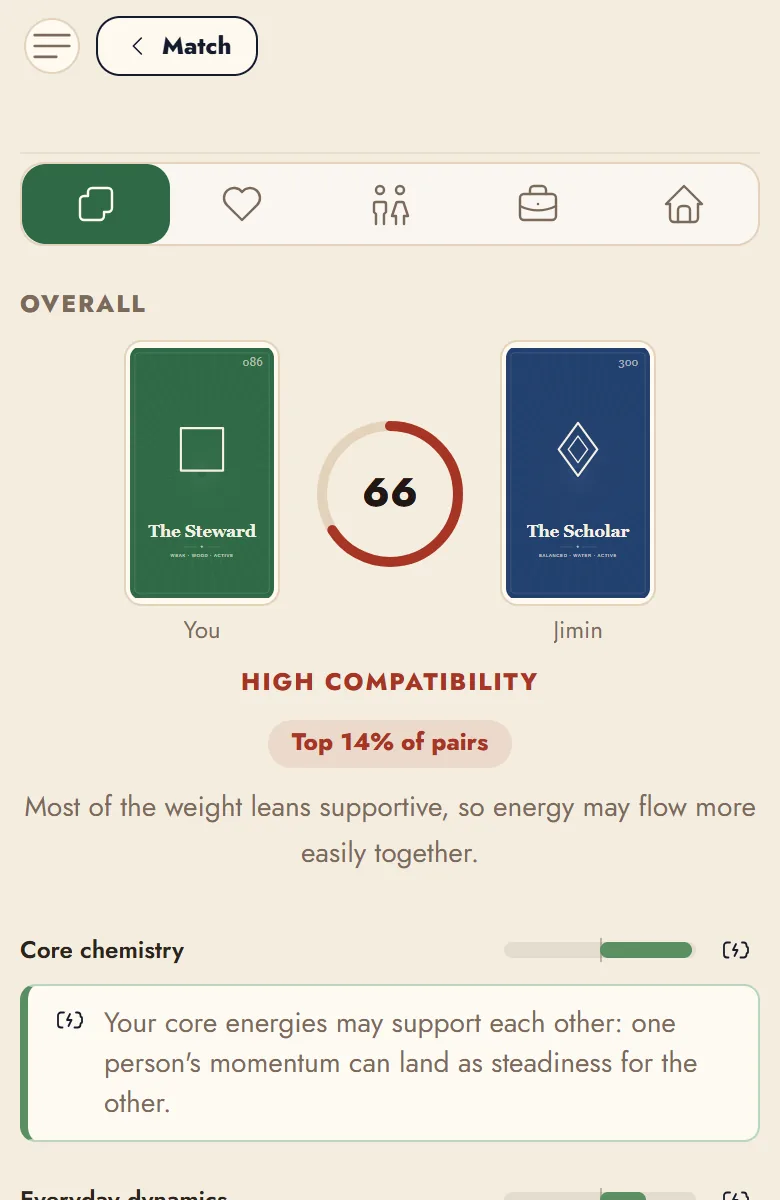
You and someone else
Pick a friend or a well-known person and see how your two charts fit, and why. This is also where you add friends, with a QR code or a date of birth.
Network
Where you sit among people
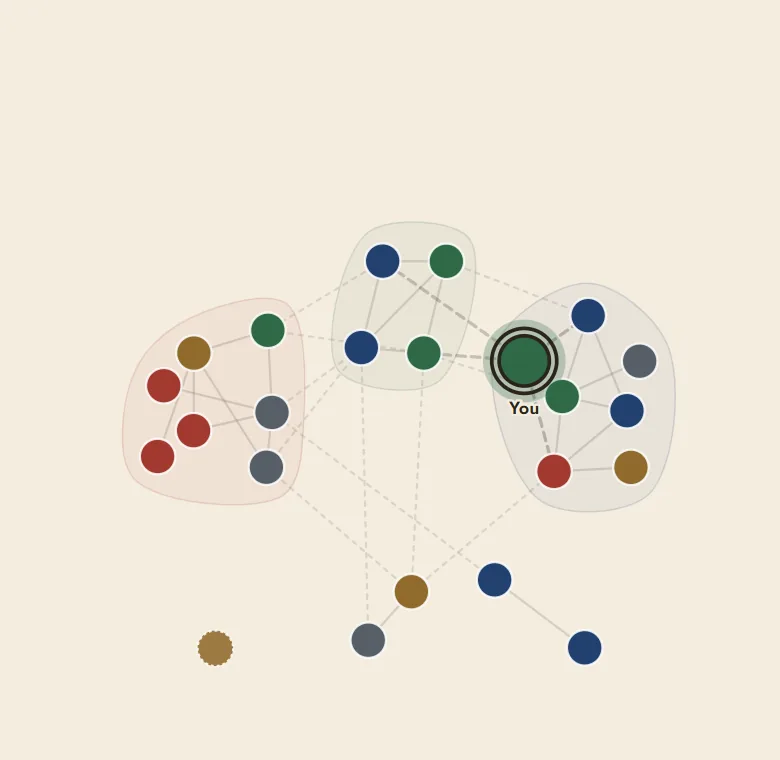
A map of you, your friends and well-known people. Lines show whose chart runs strongest with yours. Tap anyone to see why.
New to saju?
Library, the last screen in the menu, explains every word the app uses, from the four pillars to your ten-year cycle.